

最开始我是用 Alfred/Raycast 这种快速启动器,还是感觉不够快。
然后发现了一款应用 Thor:https://github.com/gbammc/Thor, 可以直接快捷键启动,于是 在 Mac 上我就用 ctrl+w -> 启动 wps, ctrl+g -> 启动 chrome 等。
Windows 上用 AutoHotKey: https://www.autohotkey.com/ ,写了一个脚本
; ==================== 应用程序启动 ====================
; 注意:如果程序不在系统 PATH 中,请使用完整路径(见下方注释示例)

; Alt+G 打开 Chrome
!g::Run "chrome.exe"

; Alt+W 打开 WPS
!w::Run "C:\Users\Administrator\AppData\Local\Kingsoft\WPS Office\12.1.0.25225\office6\wps.exe"

; Alt+F 打开飞书
!f::Run "Feishu.exe"

; Alt+L 打开 Logseq
!l::Run "Logseq.exe"
丝滑
9 条回复



#3
回复 janedoe
原来有开源的,我一直在用这个

配合一个hyper key(cmd+shift+control+option)作为修饰键,这样能保证不和软件自带快捷键冲突

#4
回复 janedoe
原来有开源的,我一直在用这个

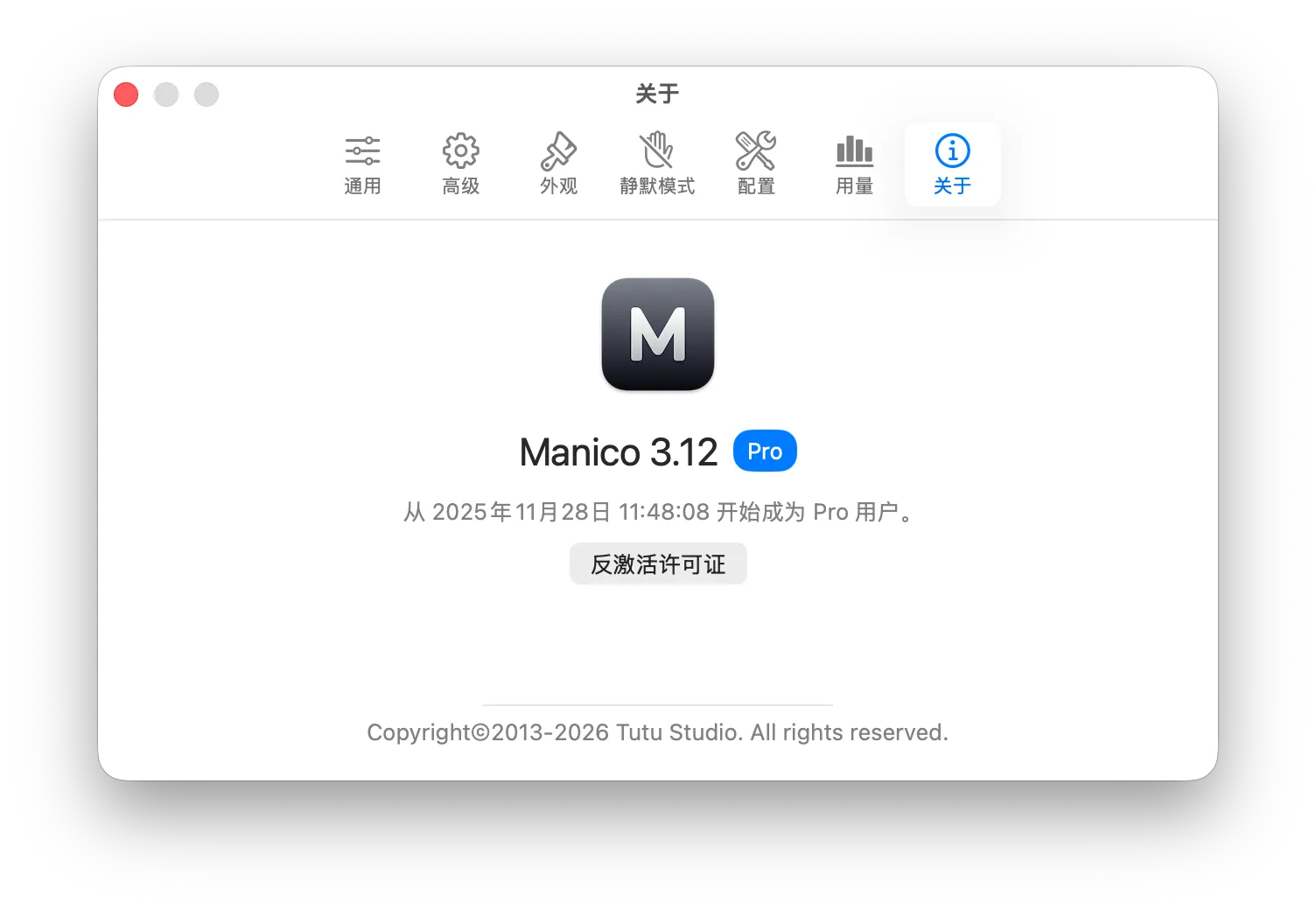
这个UI 好看,付费的值

#5
楼主这个主意好,我改善了一下脚本:
; Ctrl+Alt+W 打开 Chrome
^!w::
{
; 1. 填写进程名(任务管理器里看)
ProcessName := "chrome.exe"
; 2. 填写应用路径(没运行时要启动的程序)
AppPath := "D:\Portable.App\GoogleChrome_x64\MyChrome.exe"
; 判断进程是否存在
if ProcessExist(ProcessName)
{
    ; 激活窗口
    WinActivate("ahk_exe " ProcessName)
    ;WinRestore("ahk_exe " ProcessName)
}
else
{
    ; 运行程序
    Run(AppPath)
}
;Run "D:\Portable.App\GoogleChrome_x64\MyChrome.exe"
}
; Ctrl+Alt+X 激活或启动微信
^!x::
{
ProcessName := "WeChat.exe"
AppPath := "D:\Portable.App\WeChat\WeChat.exe" ; 改成你自己的路径
if ProcessExist(ProcessName) {
    WinActivate("ahk_exe " ProcessName)
    ;WinRestore("ahk_exe " ProcessName)
} else {
    Run(AppPath)
}
}

#7
回复 JoeJoeJoe
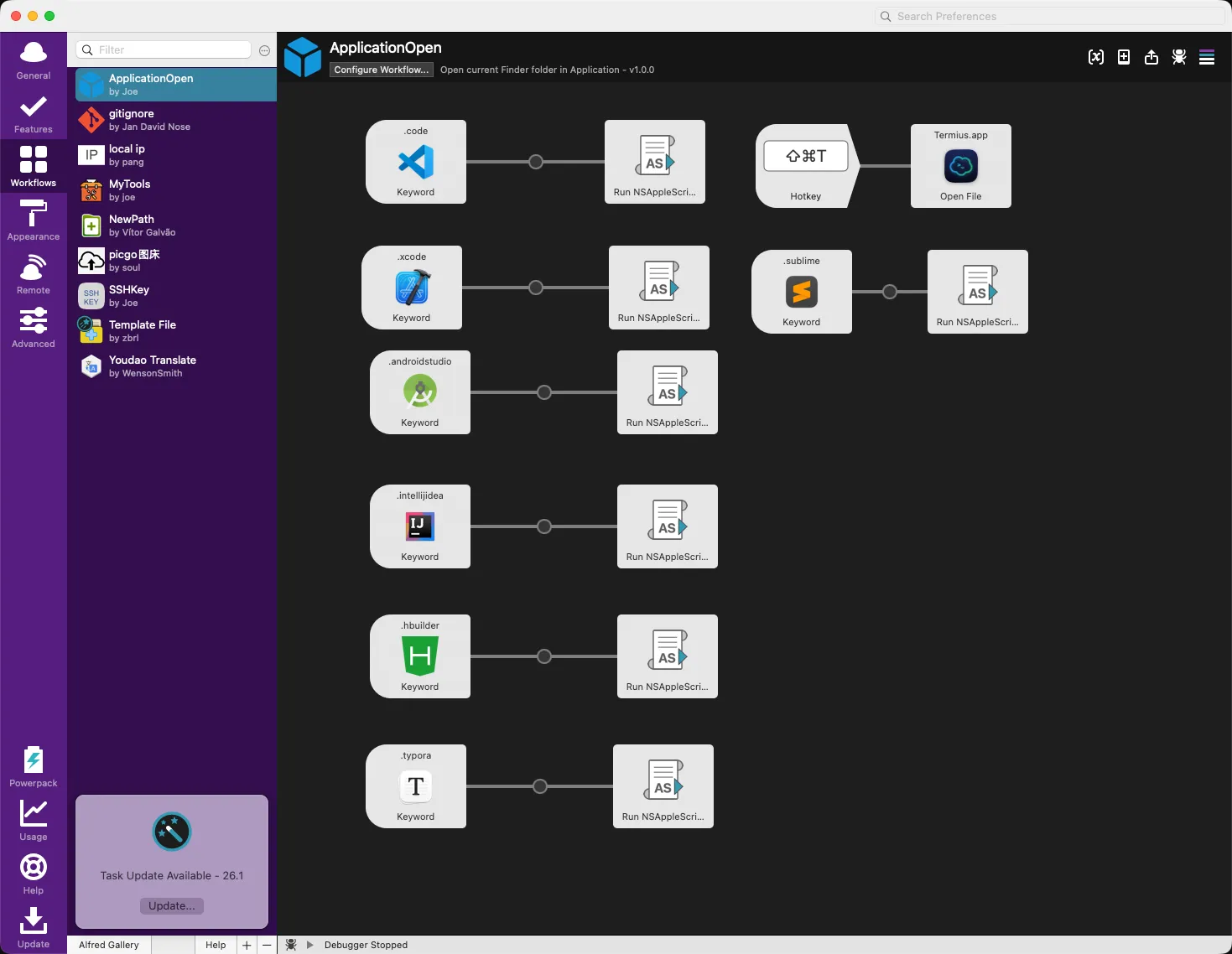
alfred里面的工作流也可以实现的 绑定一个快捷键就好

居然还能看到 Alfred! 之前用过几年,现已叛逃 Raycast 😶🌫️
#8
回复 Jodan
居然还能看到 Alfred! 之前用过几年,现已叛逃 Raycast 😶🌫️
主要是已经绑死了 用了快十年了 攒了太多的快捷方式和代码块之类的东西了 迁移成本太高